Personal Savings
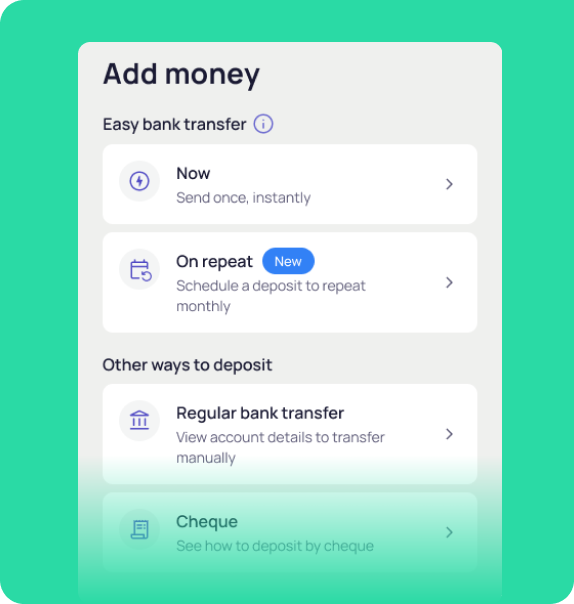
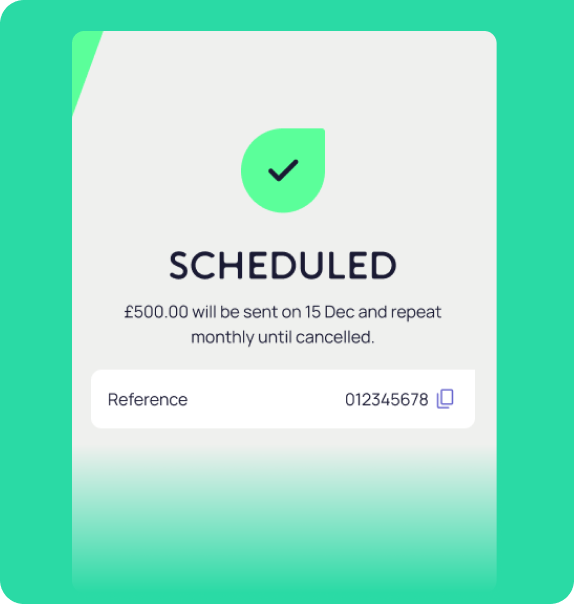
Set up a scheduled payment to repeat each month so your money moves automatically and you donโt have to lift a finger.
Currently only available in the OakNorth app for Easy Access and Notice accounts. Your eligible deposits are protected up to ยฃ120,000 by the FSCS.
The hardest part of saving is doing it regularly. With a scheduled payment, you only need to set it up once โ after that, your money moves automatically.
Saves you time
Set it once. Your payment goes through every month โ no extra admin.
Keeps you consistent
Regular payments help you stay on track and reach your goals sooner.
You stay in control
Pick the amount and date that work for you โ and cancel your schedule whenever you need to.
Flexible when you need it
Want to add more? Make extra payments whenever it suits you โ your schedule wonโt get in the way.
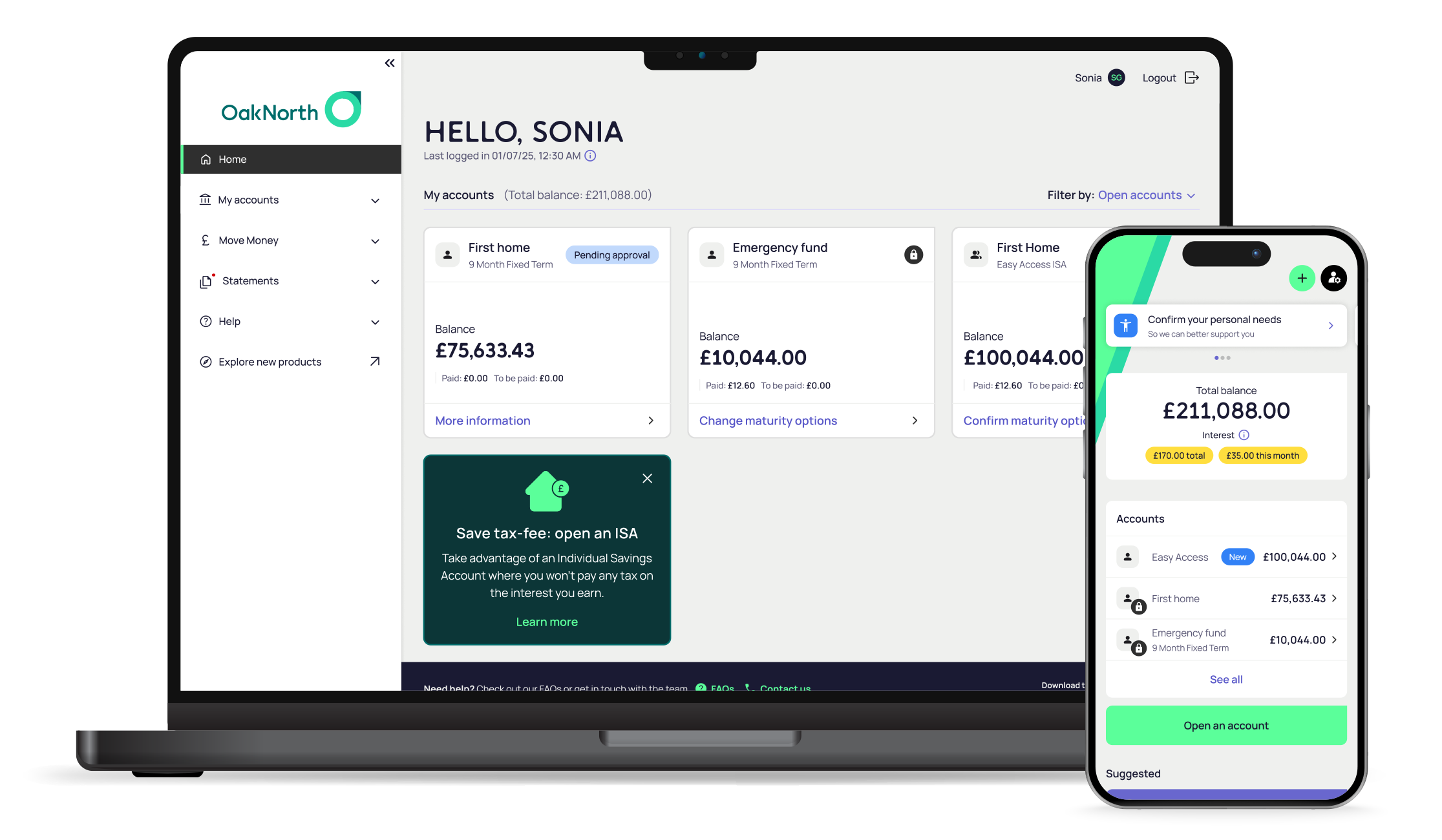
Scheduled payments let you automatically add money to your OakNorth savings account from your linked account on a monthly basis via our mobile app. This is only available for the Easy Access Tracker, Easy Access Cash ISA, Notice and Notice Base Rate Tracker accounts.
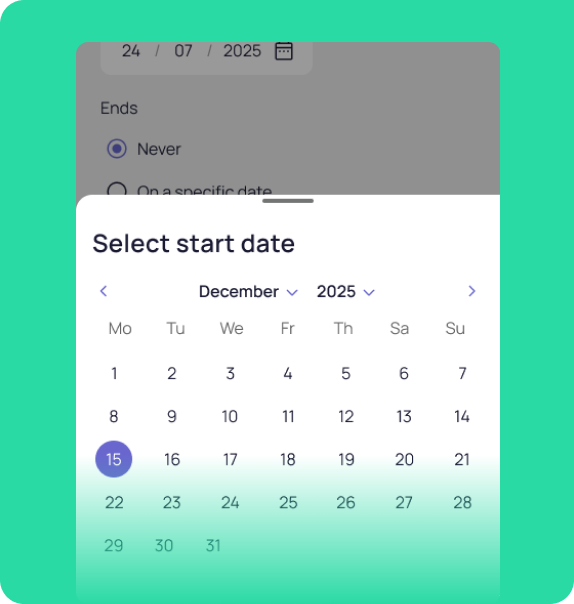
To schedule a payment:
No. Once you’ve set it up, your deposits happen automatically each month on your chosen date. You’re always in control and can cancel anytime.
It’s not possible to edit an existing scheduled payment, so if you’d like to change the date or amount, just cancel the current scheduled payment and set up a new one.
You should make sure you have enough money in your linked account on your chosen date, however if a payment fails, we won’t retry automatically. You’ll receive a notification so you’ll need to reinstate it again.
No, you can only create one scheduled payment for each savings account.
Youโll need to reconnect your new bank and set up a new scheduled payment, as authorisations are tied to your bank account. You’ll need to make sure that this new bank account has been set as your linked account before scheduling the payment again.
Once processed, your payment appears in your OakNorth account balance, usually within minutes of the scheduled time.
Go to the account with the scheduled payment and tap the ellipsis (โฏ) in the top right corner to open โAccount detailsโ. You’ll see what date the schedule started. It repeats monthly, so if for example it began on November 15th, it’ll process on the 15th of every month.
Scheduled payments are powered by TrueLayer, a regulated Open Banking provider authorised by the Financial Conduct Authority (FCA). TrueLayer helps connect your linked bank account to OakNorth, so your money can move automatically each month. You only need to authorise this connection once through Open Banking, and you can change or cancel your scheduled payment anytime in the OakNorth app. Your security and privacy always come first. OakNorth never sees your online banking details, and every transfer happens through encrypted, regulated technology.